
GPU colocation starts with the power.
Your own GPU servers in our rack at BIT in Ede, with up to 96 A per rack over an A and B feed, and consumption per PDU outlet visible in your dashboard. We work out with you in advance what fits, and put a cross-connect or private VRF to our shared inference next to it.
A GPU server does not fit in every rack.
The misconception is that a GPU server is an ordinary server with a heavier power supply. One chassis can draw as much as half a rack of classic servers, and what goes in has to come out again as heat. Rack units you usually have enough of; amps and cooling you do not.
That is why we start with the power and not with the space. How much does the server draw at full load, what happens if a feed drops out, and how much then still fits in the same rack. We do that sum in advance, with your own hardware as the starting point, so you do not discover after delivery that the second server has to wait.
GPU colocation fits if you:
- Have or are buying your own GPU servers and do not want them sitting in the office
- Want to run a model that is larger than our shared line-up, on hardware you manage yourself
- Want base load on your own cards and peaks on our shared inference, over the same API
- Want your vector database and application next to the model, in the same building
Rack, power, network, metering.
Doing the sums before the rack is full.
Four things that make the difference between a GPU rack that works and a rack that cannot handle the second server.
- Up to 96 A
- Per rack, spread across feeds
Up to 96 A per rack, for example 3-phase 32 A per feed. How much of that is usable depends on how you want redundancy: with full A+B redundancy you count on what one feed alone can carry.
- A and B
- Two feeds, two PDUs
Every server with two power supplies hangs on both feeds. If one drops out, everything keeps running on the other. For a server with a single power supply we discuss in advance what the loss of that feed means.
- Per outlet
- Metered, in the dashboard
The consumption per PDU outlet is in the customer dashboard, in kWh per month. You see which server draws what and whether the spread across the feeds is still right.
- In advance
- The sum before delivery
Send us the specifications of your servers and we work out what fits per rack at full load and if a feed drops out. That figure is in the proposal, not in a mail after installation.
From specification to power.
- SpecificationsWhich servers, how many power supplies, what they draw at full load. With those figures we work out per rack what fits.
- ProposalRack, feeds, network and the link to inference if you want it, with a clear breakdown of the costs, including how the power is billed.
- InstallationYou install yourself or we do it with you. PDUs, feeds and cross-connects are patched before your servers arrive.
- In useConsumption per outlet in the dashboard, access for your people when needed, and an engineer who calls you if anything about the power changes.
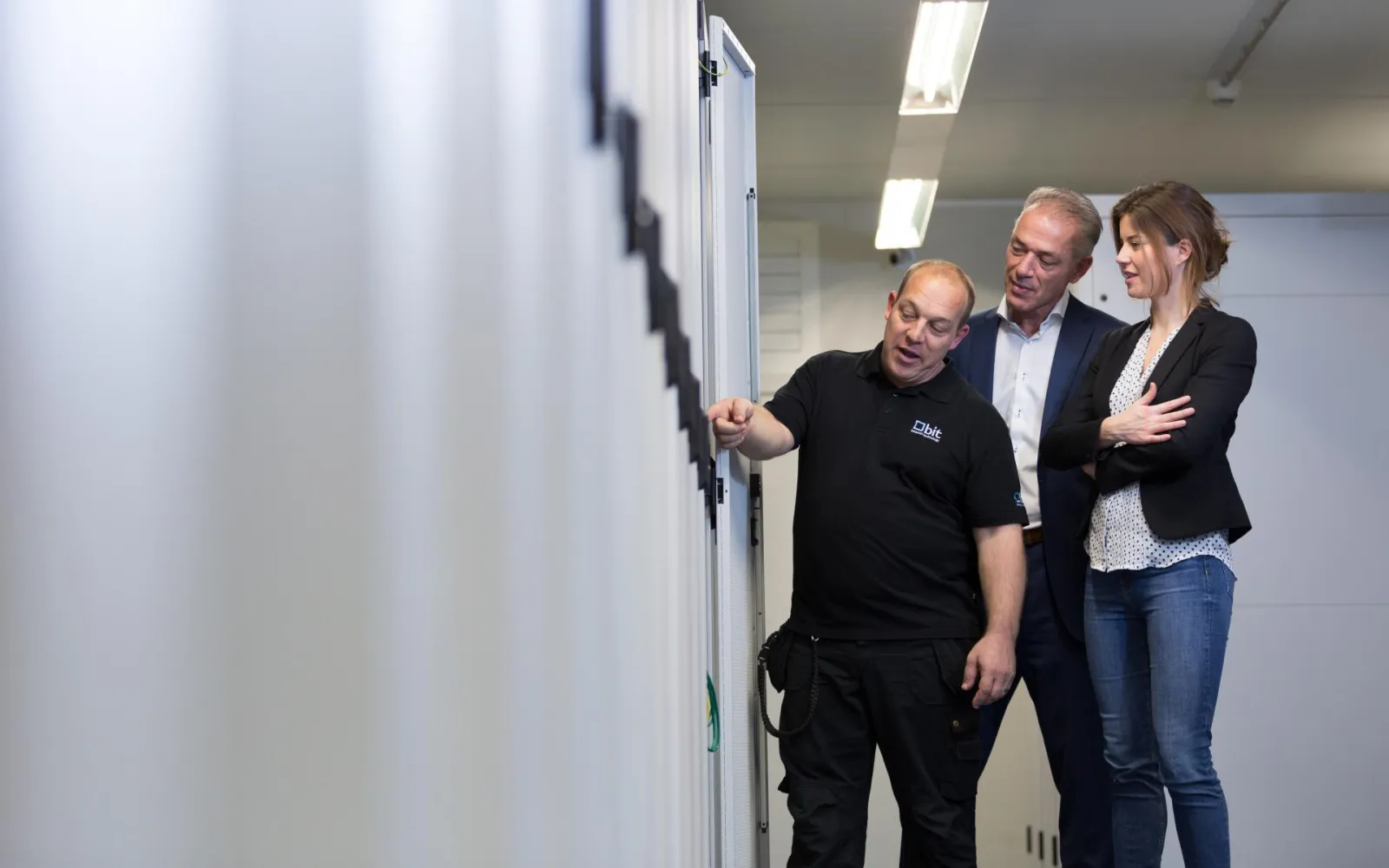
A colocation provider that also does the network.
- Rack space in all BIT data centres in Ede, with our own network included
- Cross-connects and private VRFs on our EVPN-VXLAN fabric, to inference or to your other locations
- Power is metered per outlet, not estimated per rack
- One point of contact for rack, power, network and inference
The party that works out in advance what fits and shows afterwards what it used.
Frequently asked questions about GPU colocation
How many GPU servers fit in a rack?
That depends on what they draw and how you want redundancy. Up to 96 A per rack is the upper limit; with full A+B redundancy you count on what one feed carries. Send us the specifications and you get the figure for your servers.
Can I link my colocation to your shared inference?
Yes, with a cross-connect in the same data centre or a private VRF on our network. That way you run base load on your own cards and peaks on our shared capacity, over the same API. The traffic between the two does not go over the internet.
What do I see of my power consumption?
Per PDU outlet, the consumption in kWh per month, in the customer dashboard. If you also want to use it for CO2 reporting, we supply on request a monthly report with the data centre's share and the emission factors included.
What about cooling?
BIT cools the hall; the limit for your rack is the power that goes in, because it comes out again as heat. That is why we count in amps. Particularly dense setups we discuss with BIT in advance.
Can I run a model here that is not in your shared line-up?
Yes. On your own hardware you run whatever you want, including models larger than our shared line-up. If you would rather not manage that yourself, the same model can often run on dedicated cards with us, if it fits.
Want to know what fits in your rack?
Send us the specifications of your servers. You receive a calculation of power and placement and a proposal with rack, feeds and network.